Who is this product best for?
- Point-to-point wireless links
- WISP customer connections
- Remote site connectivity
Works with compatible Ubiquiti UniFi, UISP or standard Ethernet networking equipment. Confirm controller, power and mounting requirements before purchase.
Check the product label or manufacturer datasheet for exact input voltage, PoE support and power adapter requirements.
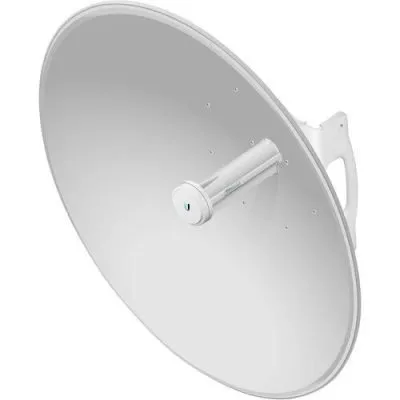
The Ubiquiti PowerBeam 5AC-500 combines an airMAX AC radio with a directional dish for outdoor network connections. It is designed for installations where the wireless signal needs to be focused toward a particular building, tower, or customer location.
This model is useful for extending a business LAN, carrying surveillance traffic, or connecting a remote site to an existing network. Its suitability should be assessed through a link plan that considers distance, interference, mounting height, and the available wireless path.
These specifications cover the PBE-5AC-500. The PBE-5AC-500-ISO is a different variant and should be identified separately when ordering. Tech Specs
Directional connectivity: The dish is suited to a fixed wireless path, helping concentrate the connection toward the intended endpoint.
Integrated design: The antenna and radio form a single outdoor assembly, reducing external RF connections and simplifying model selection.
Useful for network backhaul: Connect a remote switch or router and carry traffic between locations. The bridge can serve several wired devices behind the remote network equipment.
Centralized indoor power: A compatible injector allows the power supply to remain inside a protected room or cabinet.
Advantages
Disadvantages
The signal is strong, but throughput is low.
Check interference, channel width, Ethernet negotiation, and the remote endpoint. Signal strength alone does not indicate link capacity.
Can it replace a normal home router?
It serves a different purpose. A router and indoor access point may still be needed behind the wireless bridge.
Does it include a remote endpoint?
A single unit is one end of a connection unless sold explicitly as a pair.
Compare the separately identified PowerBeam 5AC-500-ISO at Orbitlink Solutions and the MikroTik LHG XL 5 ac as alternative equipment options.
Browse our PowerBeam 5AC Gen2 for another integrated airMAX AC bridge.
Request the current PBE-5AC-500 quotation from Ubiquiti UniFi Kenya.
Reviews are not available yet for this product.
Ubiquiti PowerBeam 5AC-500 Price in Kenya is currently listed as available. Stock can change, so confirm availability before placing a large order.
The current listed price is KSh 21,000.00. Prices are generated from the product catalogue and may change when inventory is updated.
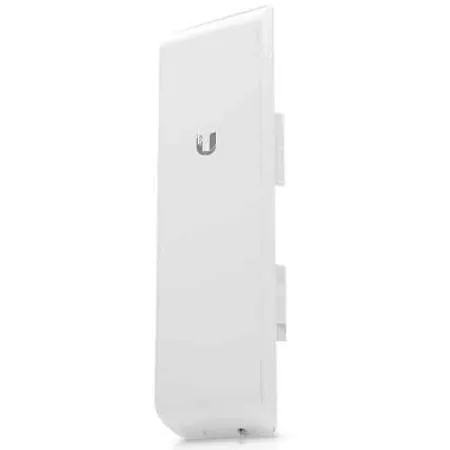
Buy Ubiquiti NanoStation M5 in Kenya from Ubiquiti UniFi Kenya for compatible 5GHz airMAX links, outdoor bridging, and customer conn
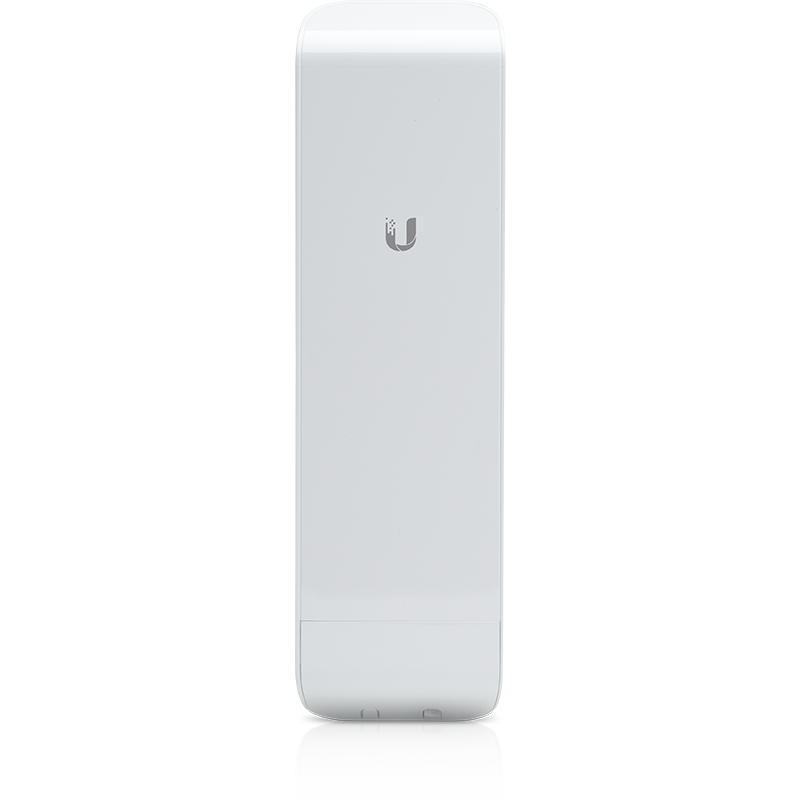
Buy Ubiquiti NanoStation M2 in Kenya from Ubiquiti UniFi Kenya for compatible 2.4GHz airMAX connections, outdoor bridging, and netwo
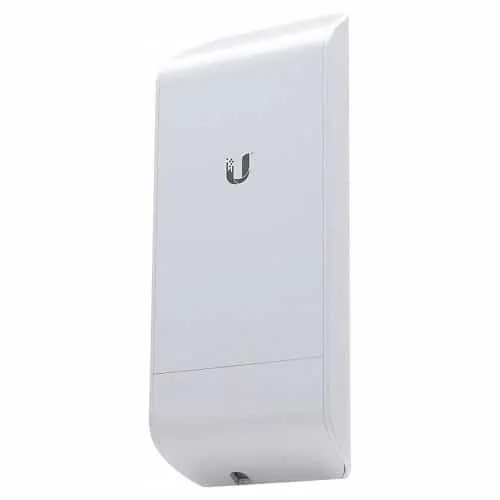
Buy Ubiquiti NanoStation Loco M5 in Kenya from Ubiquiti UniFi Kenya for compact 5GHz airMAX M links and compatible outdoor customer
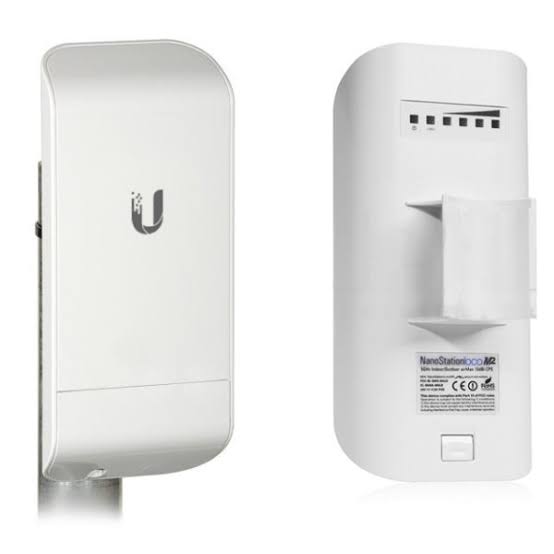
Buy Ubiquiti NanoStation Loco M2 in Kenya from Ubiquiti UniFi Kenya for compact 2.4GHz airMAX links and compatible outdoor network c