Who is this product best for?
- PoE for access points and cameras
- Office LAN switching
- Network rack expansion and uplinks
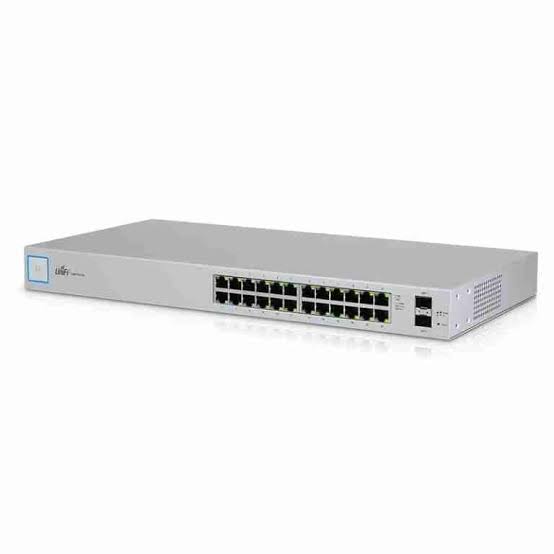
Works with compatible Ubiquiti UniFi, UISP or standard Ethernet networking equipment. Confirm controller, power and mounting requirements before purchase.
Check the product label or manufacturer datasheet for exact input voltage, PoE support and power adapter requirements.
The UniFi Standard 24, model USW-24, provides managed Gigabit connectivity for offices, schools, shops, and other installations with independently powered equipment.
Its 24 RJ45 ports accommodate everyday wired devices, while two dedicated SFP connections provide compatible 1G fiber uplinks. Centralized UniFi management makes it easier to organize connections and troubleshoot a growing network.
This model is suited to managed data connectivity where endpoints do not depend on switch-supplied power. Tech Specs
Expand wired connectivity. Provide connections for desktops, printers, storage systems, and other Ethernet devices from one organized location.
Create logical network separation. Configure VLAN assignments to distinguish departments or device types. Coordinate these settings with the gateway and any other managed switches.
Monitor the network in one interface. UniFi Network offers a central place to inspect connections and manage supported switch settings.
Use fiber where appropriate. Dedicated SFP connections allow compatible optical uplinks without using one of the 24 copper ports.
The Standard 24 works well in administrative offices, training centers, and retail networks that prioritize reliable wired access. It can also connect access points powered through separate compatible injectors.
Explore the internal UniFi Standard 24 PoE if direct endpoint power is required, or the Standard 48 for additional connection capacity.
Does an access point connected to this switch need an injector?
Yes, unless it receives compatible power through another supported method.
Can it improve a slow internet package?
It can improve local connectivity, but internet performance remains limited by the service and router.
Why is a VLAN device unreachable?
Check its port assignment, uplink tagging, gateway interface, DHCP service, and firewall rules.
Compare the TP-Link TL-SG1024D at Orbitlink Solutions, the D-Link DGS-1024D at Tawa, and the MikroTik CRS326 rackmount switch.
Choose the UniFi Standard 24 from Ubiquity UniFi Kenya for organized, centrally managed Gigabit switching.
Reviews are not available yet for this product.
UniFi Standard 24 Price in Kenya is currently listed as available. Stock can change, so confirm availability before placing a large order.
Price is not published yet. Contact the seller to confirm current pricing before ordering.
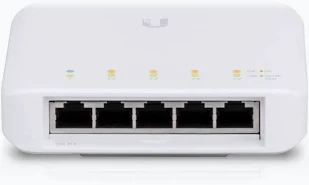
Buy UniFi Flex Mini in Kenya with five Gigabit ports, PoE or USB-C power input, compact construction, and centralized UniFi manageme
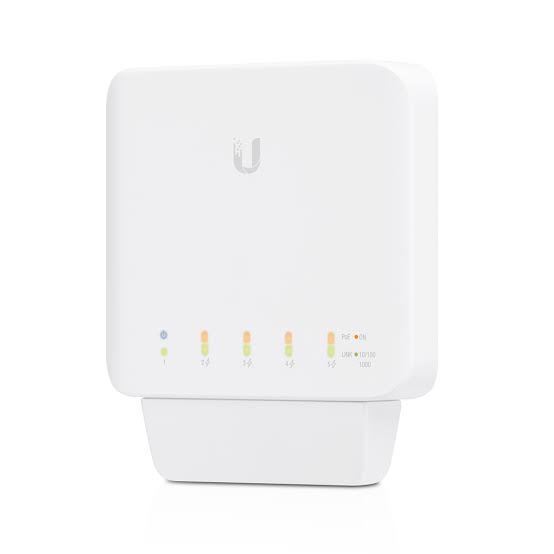
Buy UniFi Flex in Kenya with five Gigabit ports, four PoE+ outputs, upstream PoE power, and flexible indoor or outdoor installation.
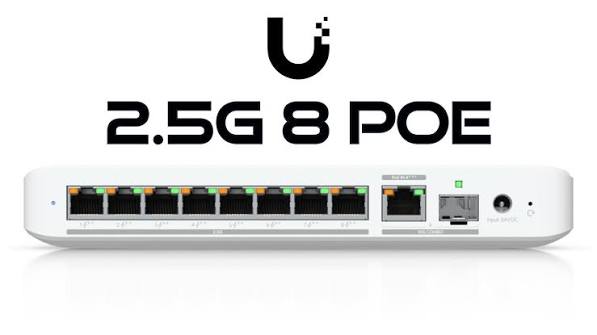
Buy UniFi Flex 2.5G in Kenya with eight 2.5GbE ports, a shared 10G RJ45/SFP+ uplink, and PoE+ or USB-C power input.
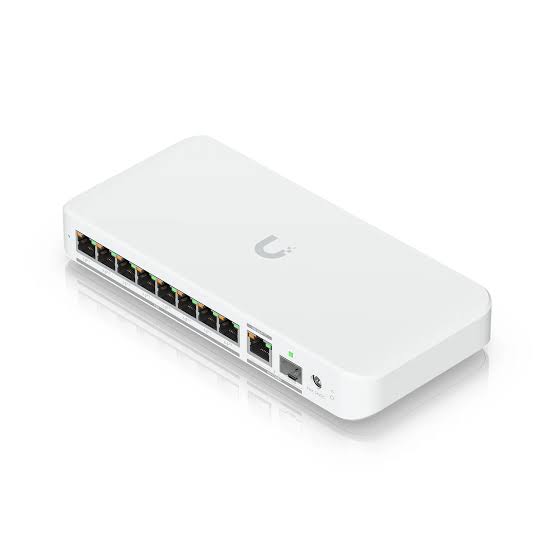
Buy UniFi Flex 2.5G PoE in Kenya with eight 2.5GbE PoE++ ports, a shared 10G combo uplink, and flexible power input options.